RA3000
A downloadable game for Windows and Linux
Description
It’s a game designed to be played with friends locally or through a VPN such as Hamachi, so you can have fun together. It supports up to four players
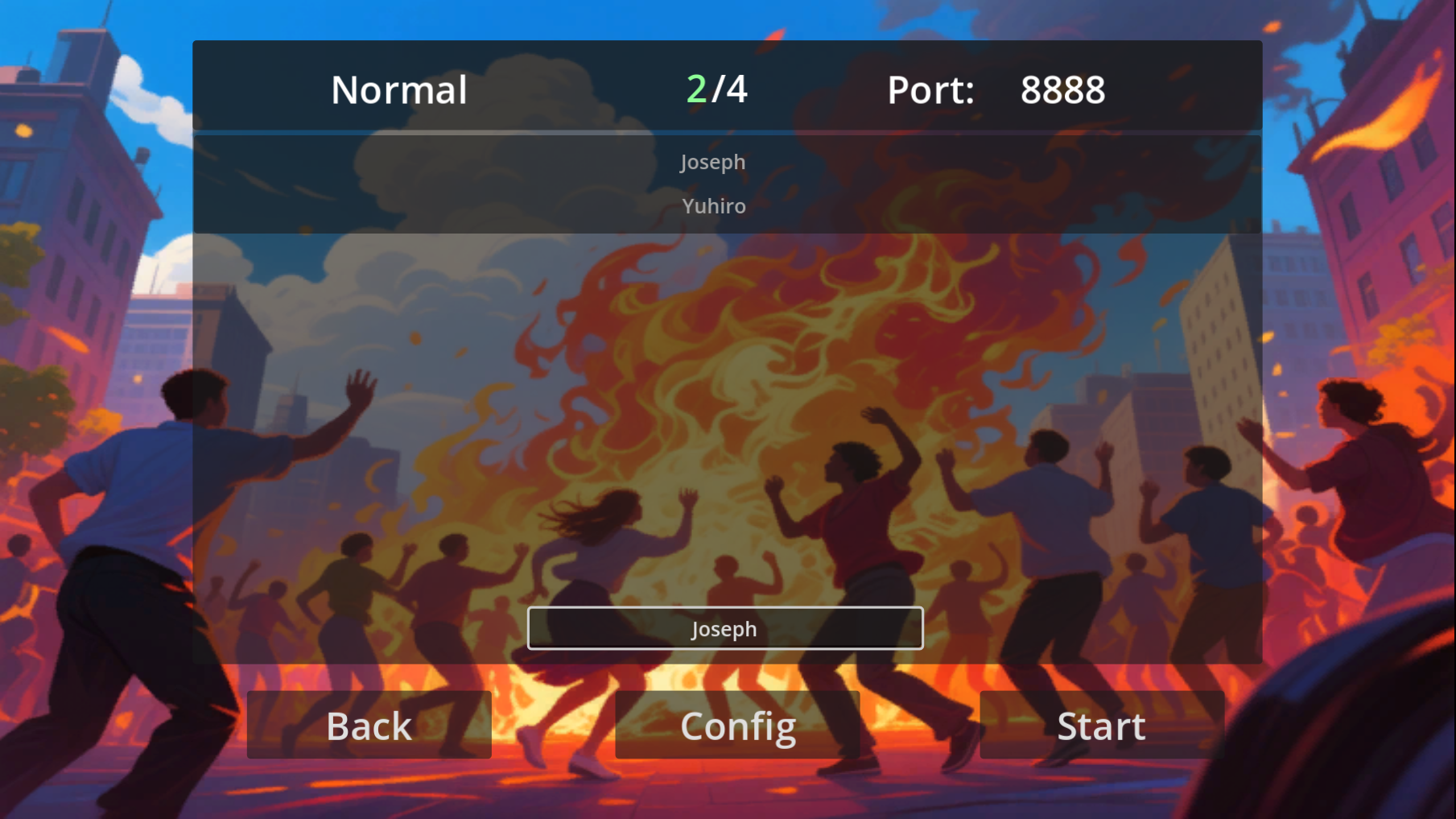
Lobby connection (LAN)
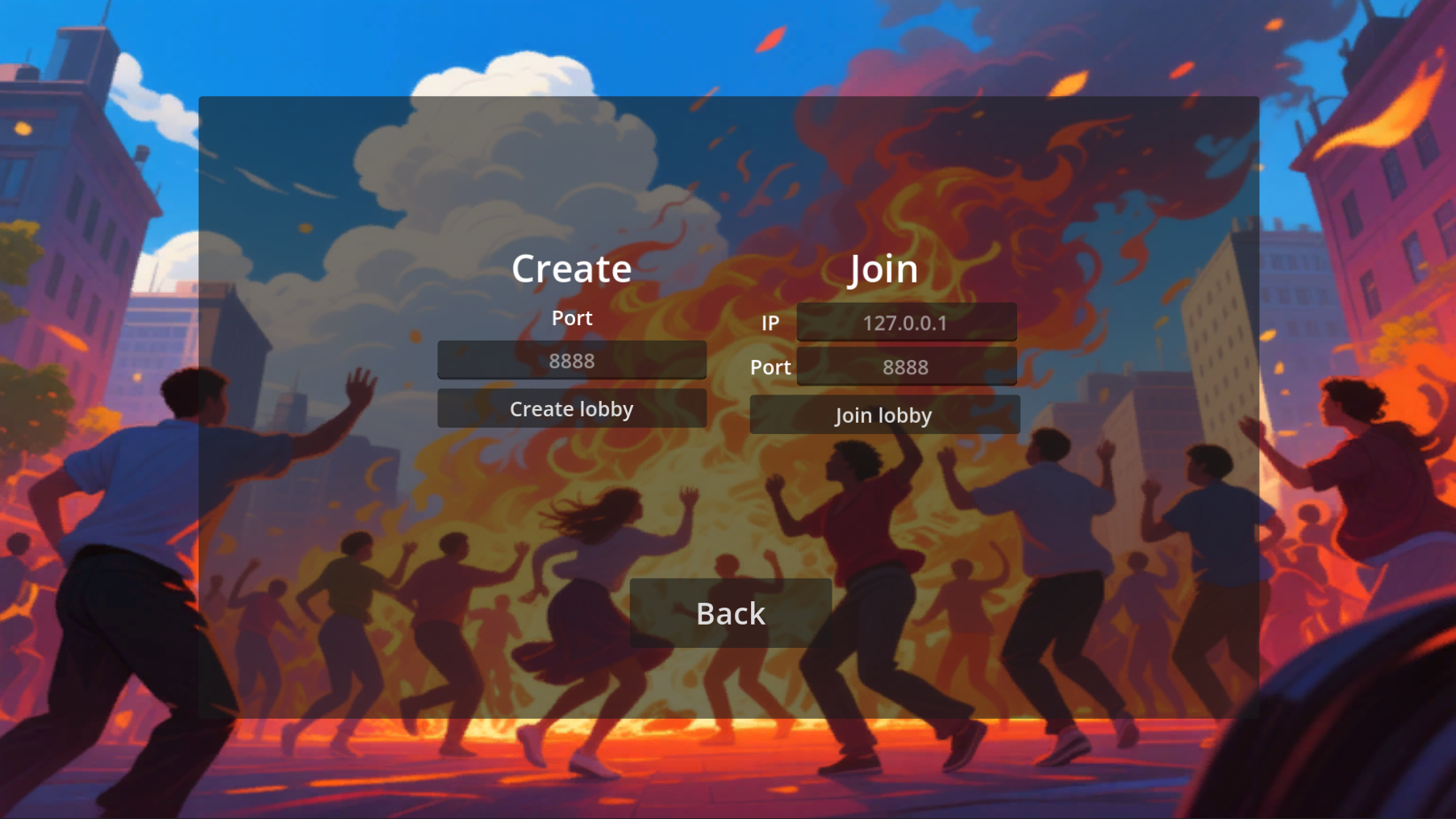
Create
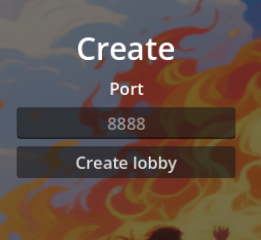
Here, you can configure the port to open. This applies only to the host.
Check your IP (Windows)
You can check your IP address in PowerShell using the ipconfig command.
PS C:\WINDOWS\system32> ipconfig

< Snip >
Adaptador de LAN inalámbrica Wi-Fi:
Sufijo DNS específico para la conexión. . :
Vínculo: dirección IPv6 local. . . : ##########
Dirección IPv4. . . . . . . . . . . . . . : 192.168.1.197
Máscara de subred . . . . . . . . . . . . : 255.255.255.0
Puerta de enlace predeterminada . . . . . : 192.168.1.1
My IP is: 192.168.1.197
Check your IP (Linux)
Inside a shell, use the ifconfig command.
Join
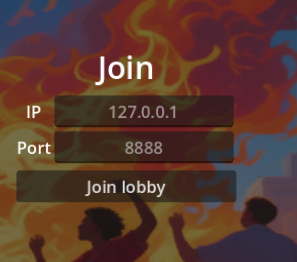
For the IP address, enter the host’s IP address. Do the same for the port.
Note: 127.0.0.1 refers to the local host.
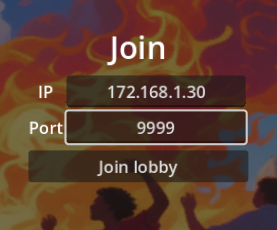
Join Example
The host with the IP address 172.168.1.30 creates a lobby on port 9999.
Mechanics
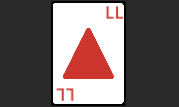
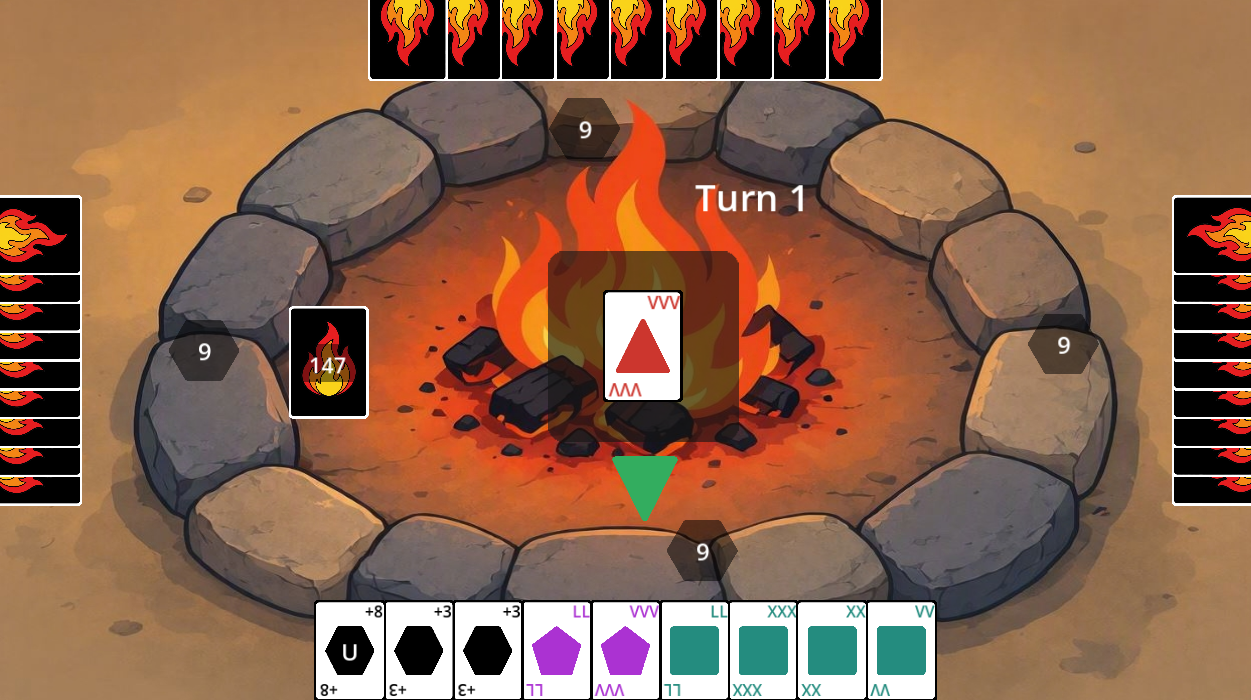
This is a triangle token
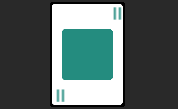
Square
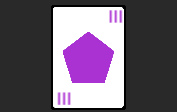
Pentagon
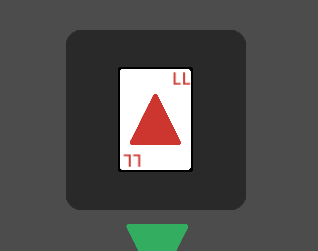
Center token
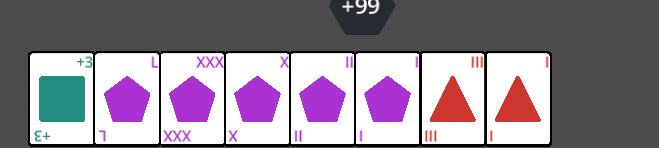
Your Hand
Same shape
You can play the same shape as the one in the center. For example, if there is a triangle in the center, you can play a triangle token.
Same Number or name
Normal tokens use the Roman numerals I, V, X, and L.
You can play any token with the same number or name, including special tokens such as +3.
For example, if there is an LL triangle in the center, you can play an LL square.
Hexagon shape
This a hexagon, the fourth shape
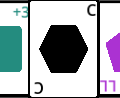
This is a special shape. You can play a hexagon on top of any shape in the center.
Special tokens
There are tokens with special effects
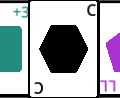
C token
This is a wild token. You can choose its shape after playing it.
Challenge
You challenge another player to a Rock paper scissors (more options in the future), this token takes the previous center form when it's played
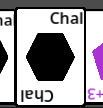
RPS minigame. Best of 3.
Loser: 2 tokens,
Draw: both draws one token
Winner: nothing (is only to annoy another player)
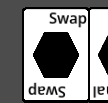
Swap token
You can swap your hand with another player. When played, this token takes the shape that was previously in the center.
Ex Token
Code name: Exodia Every player draws a token
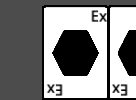
Chain Mechanic
+3 tokens
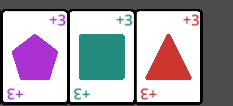
If someone plays a +3, the next player must draw three tokens. However, that player can play another + token, increasing the total value by chaining +3 tokens. The next player becomes the affected player until someone chooses to draw the accumulated tokens or cannot play a + token.
Wild +3
This is a + token that can be played with any shape. When played, it takes the shape that was previously in the center.
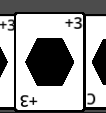
+6 token (+ v2)
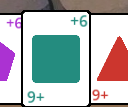
This works like the +3, but it varies in quantity. It can be used in chains as long as the cards have the same shape or the same quantity. (The wild +6 can always be used in chains.) Example: If someone plays a triangle +3 on you and you have a triangle +6, you can use it to continue the chain and add 6 to the chain. If someone plays a rectangle +3 on you and you have a pentagon +6, you cannot use it to continue the chain.
+8 token (+ v3)
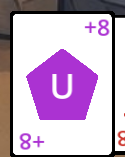
It works like another + card for chains, but this one has a special effect. Unlike the previous + cards, this one allows you to choose the next target in the chain, letting you skip over players who might break the chain and go directly to your chosen target.
Example: You are Player 1 and play a +8. You choose Player 3 as the target, which means Player 3 becomes the next player to play. If Player 3 has no way to continue the chain, Player 3 must draw the total accumulated amount.
Compacted Hand
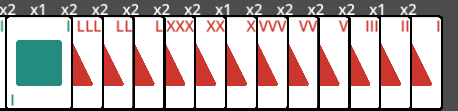
When you have a lot of tokens in your hand, they will no longer be displayed individually. Instead, they will be grouped together and shown as x followed by the quantity. This displays only a limited number of tokens at a time. If your hand is very large, right-click to load the rest
When is it your turn to play?
It’s your turn when that lame green arrow points at you.
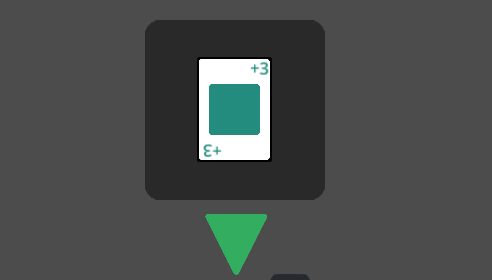
How to play a token
Selected token (The bigger one)
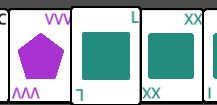
Select a token with your mouse. The selected token will appear larger than the others. When you click anywhere on the screen, the selected token will be played—so be careful.
How to draw a token:
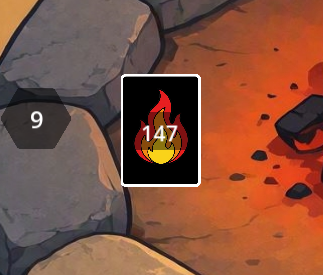
Click on the deck.
How to Resync/Reload Everything
Press "R" button
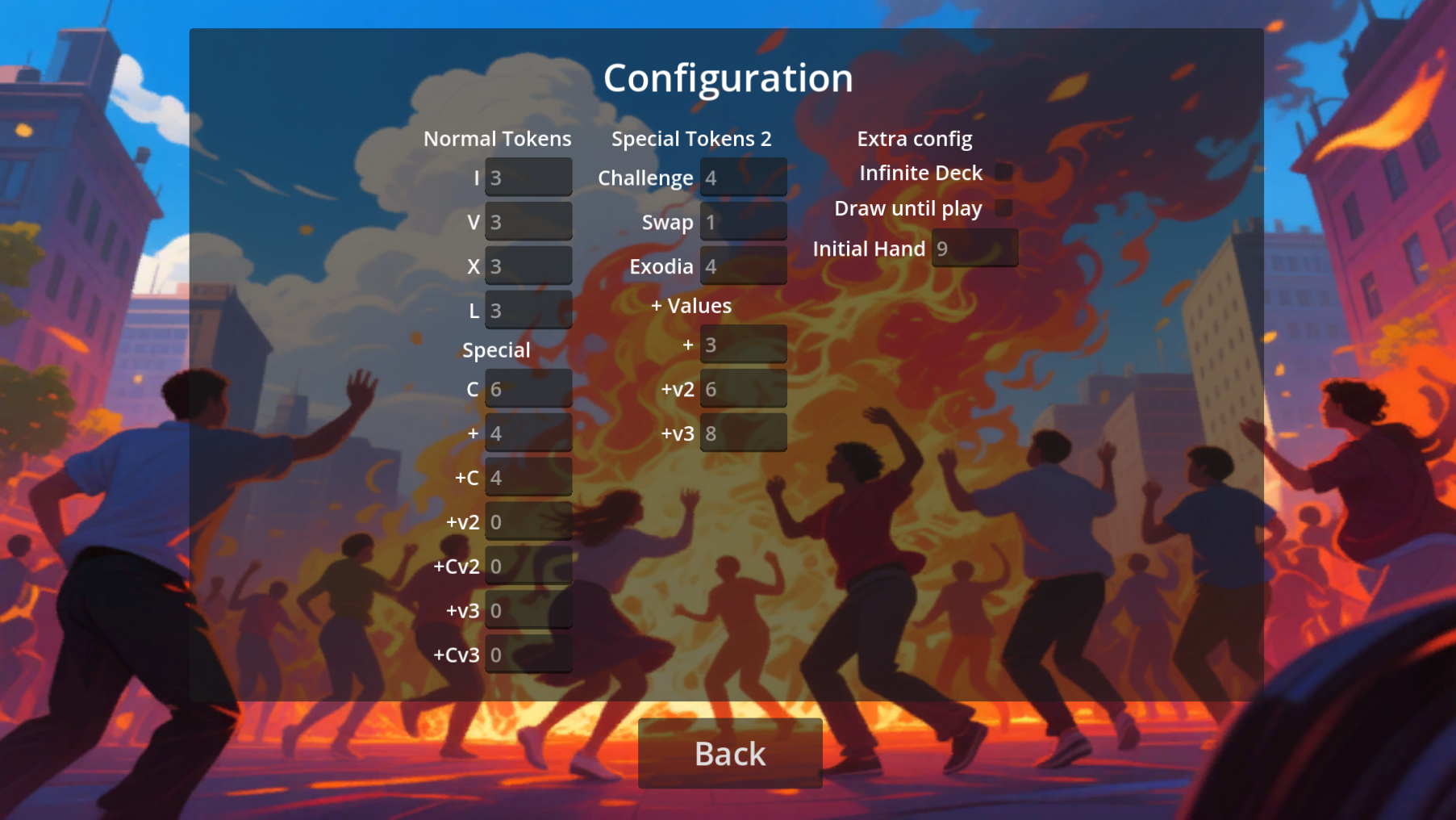
Lobby config
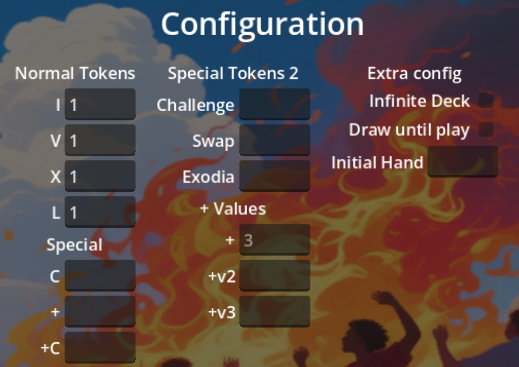
Here, you can build a custom deck and change the game rules.
Deck builder
Normal Tokens, Special Tokens, and Special Tokens 2 determine how many tokens of each type are included in the deck.
I: This represents one set of I tokens. One set includes one I, one II, and one III token in each shape, nine tokens in total.
V, X, and L: These work the same way as I.
C: This is the quantity of C token in deck. 3 here, means 3 in deck
+: The number of +3 tokens of each shape included in the deck.
+C: The number of +3 wild tokens included in the deck. For example, 2 means there are two +3 wild tokens in the deck.
The extra versions (+V and +CV) are variations of the + tokens.
Challenge: The number of Challenge tokens in the deck. Swap: The number of Swap tokens in the deck. Exodia: The number of Ex tokens in the deck.
+ Values
Here, you can configure the values of the + tokens. By default, Version 1 + tokens have a value of +3.
+: The value of the + and +C tokens.
Same for + v2 and v3
Extra config
Infinite Deck: When enabled, you draw from an infinite deck. Each token always has the same probability of being drawn.
For example, if the deck contains one C token and four Swap tokens, drawing two tokens could result in two C tokens if you are lucky.
If the infinite deck is disabled and the deck is full, drawing two tokens from the same deck would give you one C token and one Swap token if the C token is drawn first. If you draw all ten tokens, you will receive two C tokens and eight Swap tokens.
Draw Until Play: Normally, you can draw only one token. When this option is enabled, you can continue drawing until you draw a token that you can play.
Initial Hand: Choose the initial number of tokens in each player’s hand.
Download
Click download now to get access to the following files:
Development log
- Small update2 days ago
- RA3000 upload7 days ago
Leave a comment
Log in with itch.io to leave a comment.